Sizes, colours and gift sets: set up your products the smart way
Create variants in seconds, sell gift sets that count their own stock, make clean product photos, and import many products at once with a CSV file.
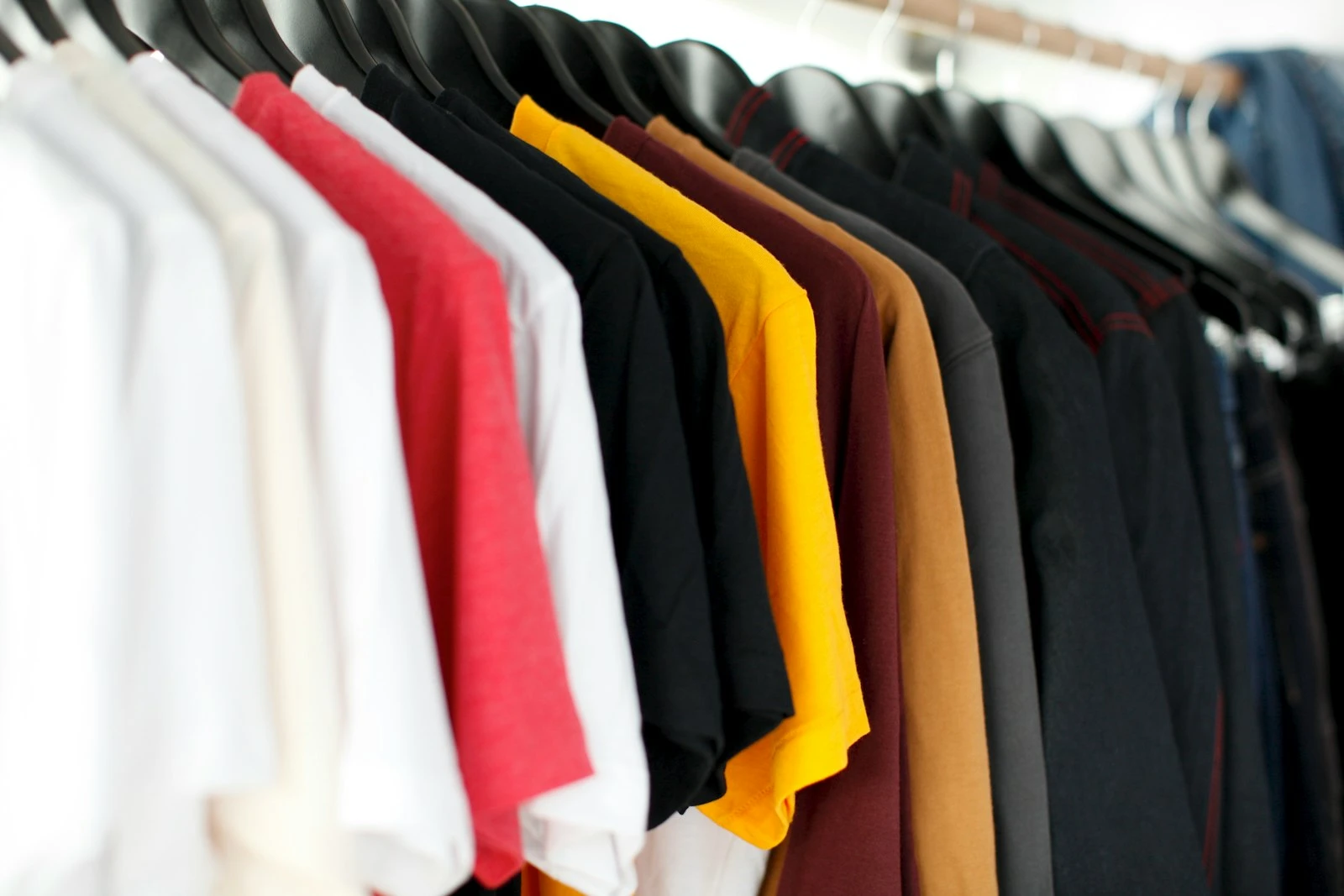
One T-shirt in 3 sizes and 4 colours is 12 items to sell. Typing them one by one takes too long. And a mistake means the wrong price at the counter. Sellrika has a few tools that make this fast and safe.
Make all variants in one go
- Open the product and go to the Variants tab.
- Click Quick generate.
- Type a group, like "Size", with its values: "S, M, L".
- Click Add group and add "Color": "White, Black, Red, Yellow".
- Click Generate … variants. You get all 12 at once.
- Click Save product.
Each variant can have its own price, cost, SKU, barcode and pictures. A variant with no price uses the base price. To give all variants one price, use Bulk set price.
Each variant also has its own stock count. So you always know that you have 3 black M shirts left, not just "some shirts".
Three prices, three jobs
- Base price: what the customer pays.
- Purchase price: what it costs you. Customers never see it. Reports use it to work out your profit.
- Original price: the old "was" price. The online store shows it crossed out, so buyers see the saving.
Gift sets and packages
A package is several products sold together at one price. For example, a gift box with a candle, a mug and a card.
- On a new product, switch on This is a package of other products.
- Set the package price.
- On the Contents tab, add the products and how many of each.
- If a product has variants, you can let the customer pick one, like the colour of the mug.
The best part: a package has no stock of its own. Sellrika works out how many boxes you can make from what is on the shelf. When you sell a box, the stock of each item inside goes down.
Clean product photos, no extra app
Add a photo, and the image editor opens. You can zoom, move, rotate and add padding. Click Remove background to cut out the product and place it on a clean colour, with a soft shadow if you like. This runs in your browser. Your photo is not sent to another service.
Many products? Use a CSV file
- Click Export on the Products page to get a sample file.
- Fill in your products in the same format. Only
nameandpriceare needed. - Click Import and pick your file.
Rows with a problem are skipped and listed, so you can fix them. Import only adds new products. It never changes the ones you have.
Small extras that help
- Featured: click the star to show a product first on the POS and in the online store.
- Custom request: ask online buyers a question, like "Name to engrave".
- Additional data: add rows like "Brand" or "Material".
- Share: send a product link to Facebook, WhatsApp, LINE and more.
Try it
Pick your best-selling product and give it variants today. Start your 30 free days at sellrika.com.
Photo by Parker Burchfield on Unsplash.