One stock count for your shop and your online store
Sell at the counter and online without selling the same item twice. How Sellrika keeps one stock count, with a clear history of every change.
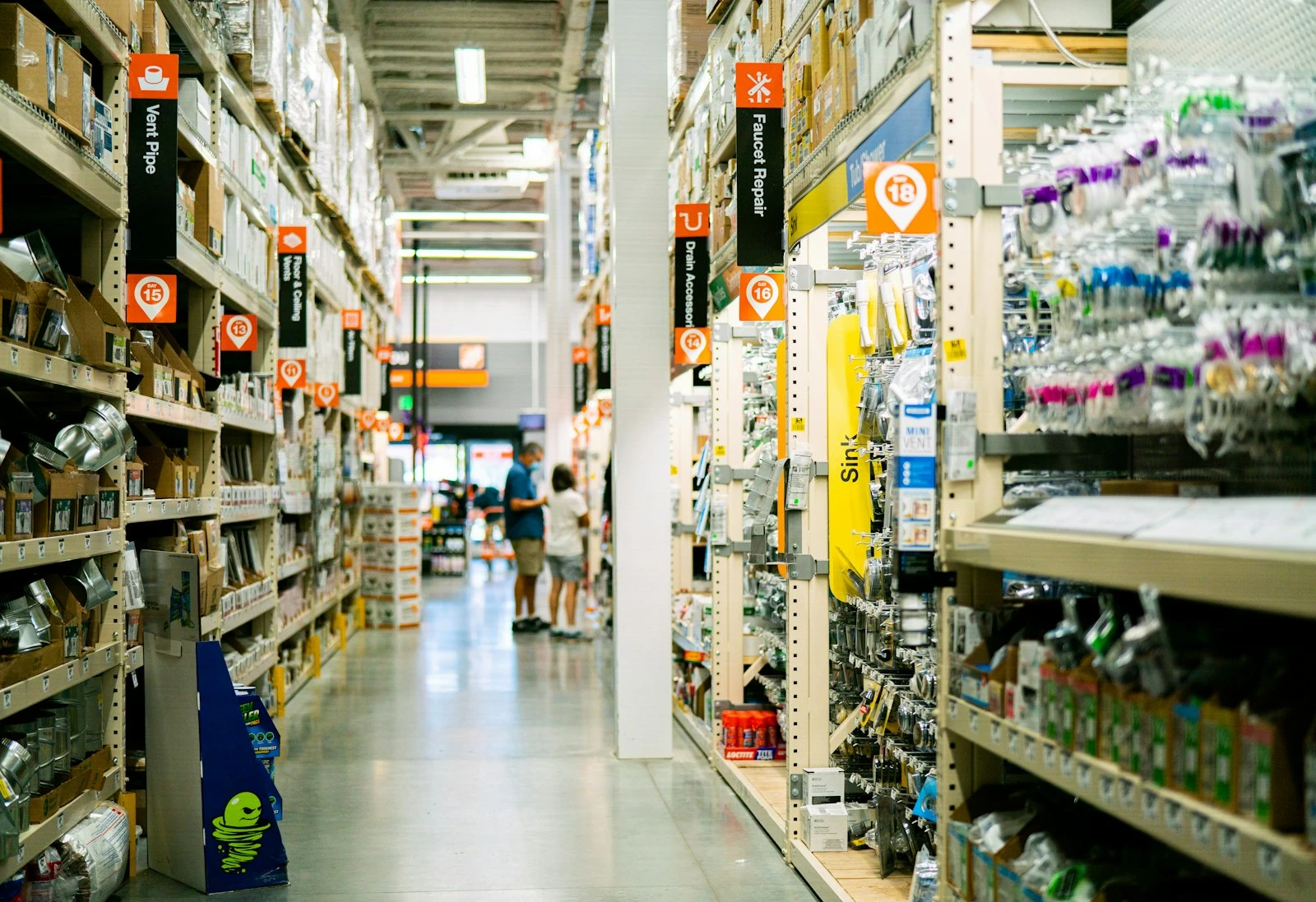
You sell the last bag in your shop at 10 am. At 10:05 a buyer orders the same bag online. Now you have to write an email to say sorry. Many small shops know this problem.
It happens when the till and the website keep two different counts. In Sellrika there is only one count. The till and the online store both use it.
One count, two places to sell
When you sell an item at the counter, the count goes down at once. The online store sees the new number right away. It works the same way the other way round.
- The Sell screen never sells more than you have.
- The online store never sells more than you have.
- A sold-out item shows Out of stock in both places.
The app also checks the stock again at the moment of payment. So two buyers can not both get the last item.
Every change has a reason
In Sellrika you never type over a count. Every change is one line in the stock history. Each line shows:
- what changed it: a sale, a refund, a void or an adjustment
- the date
- how much it changed, for example +8 or −2
- the order, or the name of the person who made the change
So when a number looks wrong, you can see what happened. You do not have to guess.
How to start
- Open Catalog › Products and open a product.
- Switch on Track stock.
- Type a number in Low-stock alert at, for example 5.
- Click Save product.
- Open Catalog › Stock, click Adjust on the product, and add your real count.
A product with options, like sizes or colours, has its own count for each option.
Three everyday jobs
A delivery arrives
Open Stock, click Adjust, keep the Add tab and type how many arrived. Keep the reason Stock received. You can add the delivery number as a note.
Something breaks or goes missing
Click Adjust, pick the Remove tab, type the number and pick Damaged / lost.
You count the shelf
Click Adjust, pick Set count and type the real number. Pick Count correction. The app writes the difference into the history for you.
Know before you run out
The Stock page has three cards at the top: Tracked units, Low stock and Out of stock. Click Low stock to see what you should order next. The Reports page shows the same numbers.
Packages count themselves
Do you sell gift boxes or sets? In Sellrika a package is made of other products. It has no count of its own. The app works out how many packages you can make from what is inside.
For example, a box holds 12 pens and you have 30 pens. Then you can sell 2 boxes. When you sell a box, the count of the pens goes down by 12.
Things the app does for you
- A sale takes the items out.
- A void puts the items back.
- A refund puts the items back, when you choose to restock.
- A count never goes below zero.
Try it
One count for the counter and the web means fewer mistakes and fewer sorry emails. Start your 30 free days at sellrika.com. No card is needed.
Photo by Oxana Melis on Unsplash.